A Page for Students, Educators, and Parents
Students, Click the Play Link Below:
| Resource | Description |
|---|---|
| Play the Game | Launch The Activity in MakeCode Arcade |
Educators and Parents
The Drone Command - Operation Uplink skill map introduces students to Artificial Intelligence–inspired decision-making through a fast, game-based coding experience using Microsoft MakeCode Arcade.
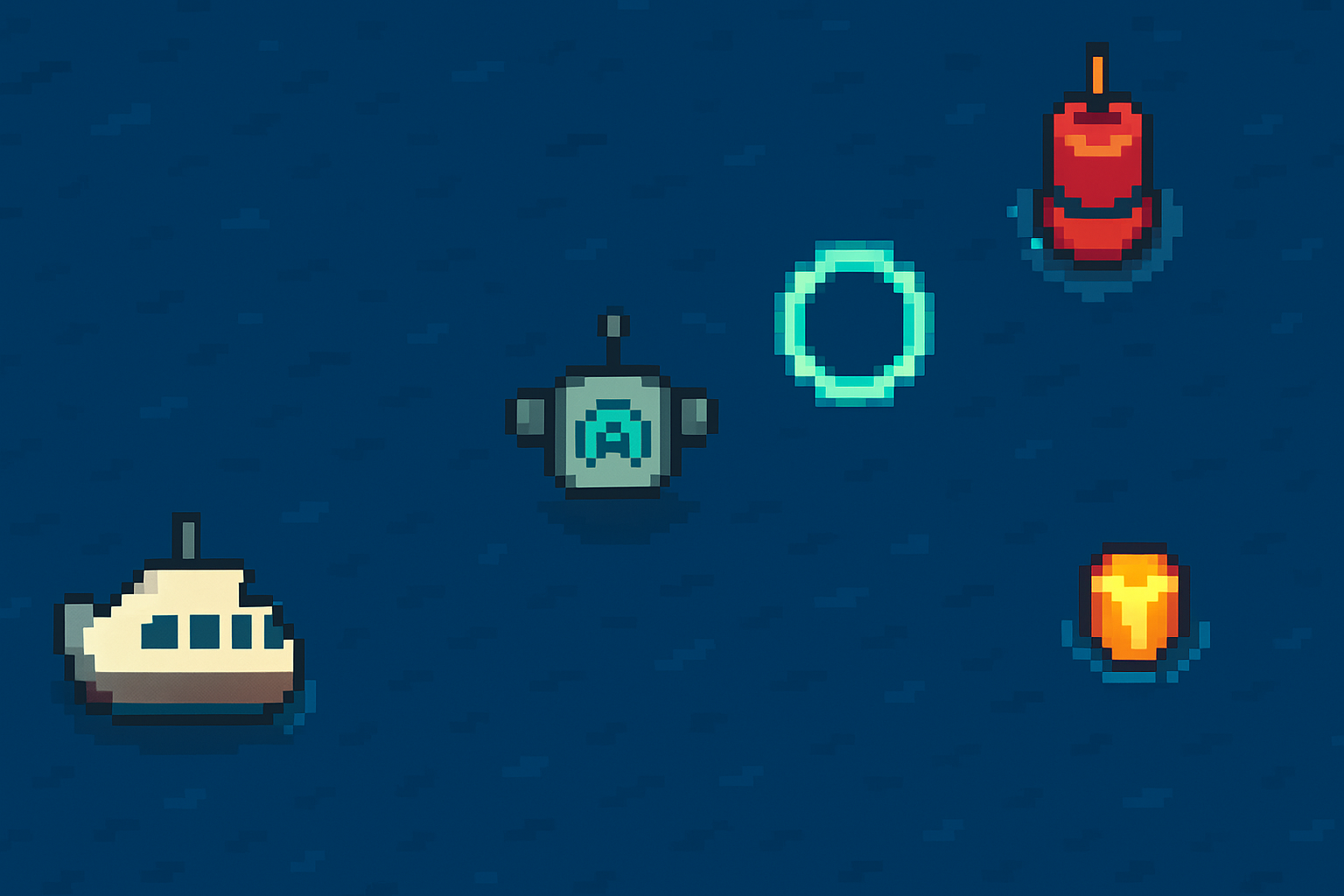
Throughout the activity, students will program their own underwater drone to collect data, evade enemy sonar buoys, and safely upload their findings to a Navy ship. They’ll also design a simple AI Advisor HUD that utilizes “if/else” logic to make recommendations such as Collect, Upload, or Avoid.*
This skillmap is designed for students between the ages of 13 and 18 and takes approximately 45–75 minutes to complete. No previous coding experience is required.
6 guided tutorials progressively introduce programming concepts, followed by an open-ended Challenge Lab where students can personalize their game.
| Tutorial | Duration | Description |
|---|---|---|
| Prepare Your Drone | 8 min | Learn the MakeCode interface, create and move a drone sprite, and follow it with the camera. |
| Incoming Ship | 8 min | Create the Navy ship, introduce randomness, and position it safely on screen. |
| Enemy Waters | 8 min | Add data shards, roaming sonar buoys, and collision rules. Enable a sonar pulse to disable enemies. |
| Upload Complete | 8 min | Add scoring logic and upload rules when touching the ship. |
| AI Advisor Online | 8 min | Create “if/else” speed boost logic and activate the HUD to display suggestions based on thresholds for Collect, Upload, and Avoid. |
| Challenge Lab | 10+ min | Tinker and expand the game by adjusting speed, adding timers, or spawning more buoys. |
Notes:
- Time estimates are approximate; allow extra time for testing, debugging, and creative extensions.
- Students can remix the final project or continue in the full MakeCode editor for additional challenges.
Learning Objectives
This activity helps students understand how simple AI-style decision rules can guide autonomous behavior while reinforcing key programming concepts such as:
- Sprites, events, and variables
- Randomness and conditional logic (
if/else) - Loops, collisions, and scoring systems
- Abstraction and modular code using custom blocks
Standards Alignment
CSTA Standards (Grades 9–10):
- 3A-AP-13 – Create prototypes using algorithms to solve problems connected to student interests.
- 3A-AP-15 – Justify the selection of specific control structures by identifying trade-offs related to implementation, readability, and program performance, and by identifying situations where certain control structures are more appropriate than others.
- 3A-AP-16 – Design and implement computational artifacts that use events to initiate instructions.
- 3A-AP-17 – Decompose problems into smaller components through the design and use of functions, classes, or modules.
- 3A-CS-01 – Explain how abstractions hide the underlying implementation details of computing systems embedded in everyday objects.
NGSS Connections:
- HS-ETS1-1 – Analyze a major global challenge to specify qualitative and quantitative criteria and constraints for solutions that account for societal needs and wants.
- HS-ETS1-2 – Design a solution to a complex real-world problem by breaking it down into smaller, more manageable problems that can be solved through engineering.
- HS-ETS1-3 – Evaluate a solution to a complex real-world problem based on prioritized criteria and trade-offs that account for a range of constraints, including cost, safety, reliability, and aesthetics.
- HS-ETS1-4 – Use a computer simulation to model the impact of proposed solutions to a complex real-world problem with numerous criteria and constraints on interactions within and between systems relevant to the problem.
Lesson Materials
Materials available for this lesson include:
| Resource | Description |
|---|---|
| Teacher Presentation | Teacher Presentation Slides with Lesson Introduction and Warm Up |
| Student Worksheet | Student Worksheet for Warm Up |
| Completion Certificate | Printable Completion Certificate |
| Play the Game | Launch The Activity in MakeCode Arcade |
Learning Outcomes
By completing this skillmap, students will:
- Connect computer science concepts to real-world naval engineering contexts.
- Design and test an AI-inspired heuristic system using simple decision rules.
- Reflect on trade-offs between performance, safety, and data collection in autonomous systems.
- Gain confidence in coding, debugging, and creative problem-solving.
Implementation Tips
- Works well in a 45–75 minutes class period. The introduction and warm-up activity may take more time.
- Suitable for individuals, pairs, or small groups; supports differentiated pacing.
- Designed for Chromebooks and laptops.
- No student accounts required — code is saved locally or as a shareable URL.
Accessibility & Safety
All student interactions occur within the MakeCode Arcade editor. No chatbots, external data sharing, or personal accounts are used. The activity adheres to COPPA- and FERPA-compliant guidelines for classroom use.
Drone Command - Operation Uplink was developed as part of a Seaworthy STEM Challenge learning experience to connect maritime innovation and computer science through engaging, hands-on play.
